As of September 13, 2026, the X API is pay-per-use. Creating a post costs $0.015, or $0.20 if the post contains a link, and you buy credits before you make the first call. There is no free tier for new developers, and the $200 Basic and $5,000 Pro plans are closed to new signups. If you still search for Twitter API pricing, this is the same product under its new name.
This guide covers the tiers as X publishes them today, the arithmetic for a month of posting, what happened to the free tier, and what changes when you only need to post from a product and route through a unified publishing API instead.
One API instead of the X integration. InvisibleAPI is one job-based API for Instagram and X. Connect the account, create a publishing job, poll it until it reaches published.
Get API keyX API pricing tiers in 2026
| Tier | Price | Who can use it | What it means for posting |
|---|---|---|---|
| Pay-per-use | Credits, charged per request | Everyone. The default for new developers since February 6, 2026 | $0.015 per post, $0.20 per post that contains a URL |
| Free (legacy) | $0 | Closed to new developers on February 6, 2026 | Listed 500 posts per month before it closed. Recently active free users moved to pay-per-use with a one-time $10 voucher |
| Basic (legacy) | $200 per month | Existing subscribers only | A fixed monthly quota. New signups get pay-per-use instead |
| Pro (legacy) | $5,000 per month | Existing subscribers only | Same: fixed quota, closed to new signups |
| Enterprise | Custom contract | Through X sales | Custom rate limits |
The pay-per-use rates come from X’s pricing page and X’s changelog, both fetched September 13, 2026. The legacy Basic and Pro figures are the $200 and $5,000 monthly plans X was charging when it announced the switch, as reported by GIGAZINE on February 9, 2026.

What one post costs on pay-per-use
X publishes a per-request price for every operation. These are the lines that matter when your app posts:
| Operation | Price (X pricing page, September 13, 2026) |
|---|---|
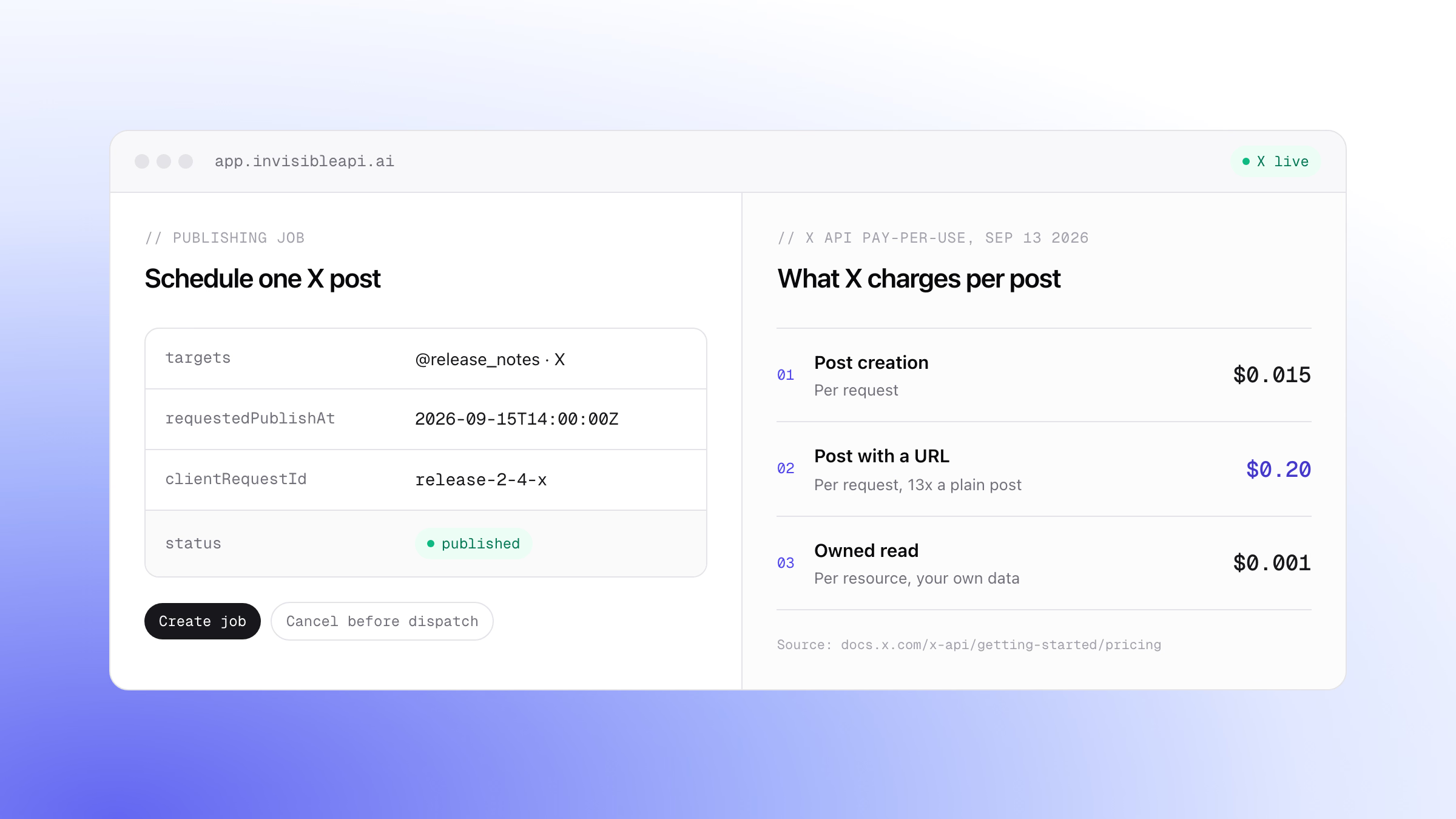
| Post creation | $0.015 per request |
| Post that contains a URL | $0.200 per request |
| Owned reads (your own account’s data) | $0.001 per resource |
| Post reads (other accounts) | $0.005 per resource, capped at 3 million post reads per monthly billing cycle |
Resources are deduplicated within a 24-hour UTC window, so reading the same post twice in a day is charged once. The prices have already moved twice this year: X’s changelog lists post creation at $0.01 when pay-per-use launched on February 6, 2026, then $0.015 with the $0.20 URL price, announced on April 16, 2026 and effective April 20.
The arithmetic for a month of posting is short. Say you publish 100 posts and 30 of them carry a link: 70 x $0.015 is $1.05, 30 x $0.20 is $6.00, so the month costs $7.05. At 1,000 posts with the same 30 percent link share, 700 x $0.015 is $10.50 and 300 x $0.20 is $60.00, so $70.50. If your code reads each post back to confirm it landed, add $0.001 per read, which is $1.00 per 1,000 posts.

Budget from the $0.20 line. A post with a link costs 13 times a post without one. Products that share release notes, listings, or articles put a link in most posts, so the URL price is the one that drives the bill.
What happened to the X API free tier
The Free tier used to be the answer for a small bot or a side project. In its last published form it allowed 500 posts per month with a small read allowance, which is the tier people still mean when they search for the 500 posts per month free tier. X’s developer portal no longer lists it.
On February 6, 2026, X launched pay-per-use and closed the free tier to new developers. X’s changelog states that Public Utility apps continue to receive free scaled access, and that recently active legacy free users were moved to pay-per-use with a one-time $10 voucher.
What that means today: there is no zero-cost way to post through the X API unless X accepts your app as a for-good Public Utility app. A bot that posts 500 times a month now needs $7.50 in credits, or $100 if every post carries a URL.
Rate limits still apply on top of price
Credits pay for requests. Rate limits cap how fast you can send them, and they did not go away with the tiers. X’s rate-limit page lists POST /2/tweets at 100 requests per 15 minutes per user and 10,000 per 24 hours per app; Enterprise customers get custom limits. A burst of 200 posts from one account will not go through in a quarter of an hour however much credit you hold, so space and queue them.
The cost that is not on the rate card
The rate card prices requests. It does not price the integration you build around them.
- Authorization. You register a developer app and run OAuth 2.0 user context so each account you post for grants your app access. Tokens expire and have to be refreshed.
- Media. Images and video are uploaded separately, then referenced by the post request. Each step can fail on its own.
- Retries and duplicates. A request that times out after X accepted it will double-post if you retry it blindly. You need your own record of what already went out.
- Change tracking. X changed its prices twice in 2026 and replaced its tiers once. Someone on your team has to read the changelog.
For a team whose product is about X, that work is the product. For a team that needs a post button, it is overhead.
If you only need to post: what a unified publishing API changes
InvisibleAPI is a unified API for publishing to social platforms. Instagram and X are live today; TikTok, Facebook, LinkedIn, and YouTube are coming. You connect an X account from the dashboard through X’s own login and consent screens, InvisibleAPI keeps the tokens refreshed, and your code talks to one job-based API. Your invoice counts connected sources, not requests, so the per-post arithmetic above is not the number you budget against. The details are on prices by connected source.
Publishing to X follows X’s documented rules, listed in the connect X guide: text up to 280 characters, up to 4 images or a single video, and image-only carousels. Preflight validation checks those rules before anything reaches X, so a job that breaks the X limit fails with a specific error instead of a surprise at the provider. Each connected account can publish 100 posts per billing period, and the limits endpoint reports live usage so your code can check before a batch.
Publishing is asynchronous. You create a job, then poll it. The request below schedules one X post for a release announcement:
curl -X POST "https://api.invisibleapi.ai/api/v1/organizations/$ORGANIZATION/publishing/jobs" \
  -H "Authorization: Bearer $INVISIBLE_API_KEY" \
  -H "Content-Type: application/json" \
  -d '{
    "targets": ["acct_x_01"],
    "caption": "Release 2.4 is live. Changelog in the replies.",
    "clientRequestId": "release-2-4-x",
    "requestedPublishAt": "2026-09-15T14:00:00Z"
  }'
The job comes back in a scheduled state, with one delivery per target:
{
  "id": "job_01J8Q6R9",
  "status": "scheduled",
  "clientRequestId": "release-2-4-x",
  "requestedPublishAt": "2026-09-15T14:00:00Z",
  "deliveries": [
    { "target": "acct_x_01", "platform": "x", "status": "pending" }
  ]
}
Poll it until it settles. The job states are pending, scheduled, processing, preparing, submitted, polling, published, partial_failure, failed, action_required, and canceled:
const base = `https://api.invisibleapi.ai/api/v1/organizations/${process.env.ORGANIZATION}`;
const headers = { Authorization: `Bearer ${process.env.INVISIBLE_API_KEY}` };
const done = ["published", "partial_failure", "failed", "action_required", "canceled"];

export async function waitForJob(jobId: string) {
  for (let attempt = 0; attempt < 30; attempt++) {
    const res = await fetch(`${base}/publishing/jobs/${jobId}`, { headers });
    const job = await res.json();
    if (done.includes(job.status)) return job;
    await new Promise((resolve) => setTimeout(resolve, 5_000));
  }
  throw new Error(`Job ${jobId} still processing after 150 seconds`);
}
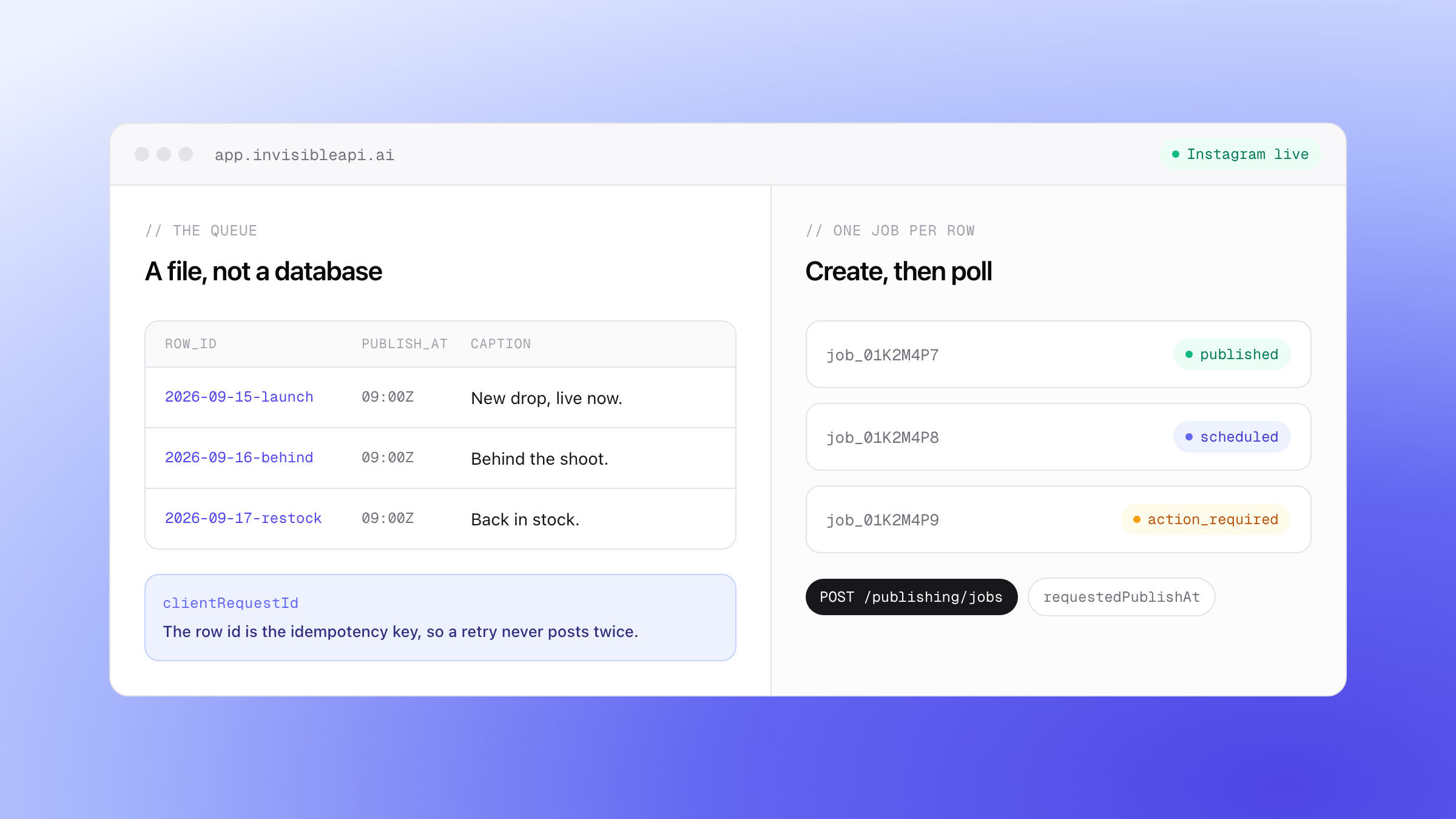
Because the create call carries clientRequestId, retrying it after a timeout never publishes twice. Because the job is scheduled with requestedPublishAt, you can cancel it before dispatch.
About the field names. The request shape is confirmed against the API reference: targets, mediaItems, caption, requestedPublishAt and clientRequestId, and the create call returning 202. The deliveries array in the job response is still unconfirmed. Check it in the API reference before you ship code that reads it.
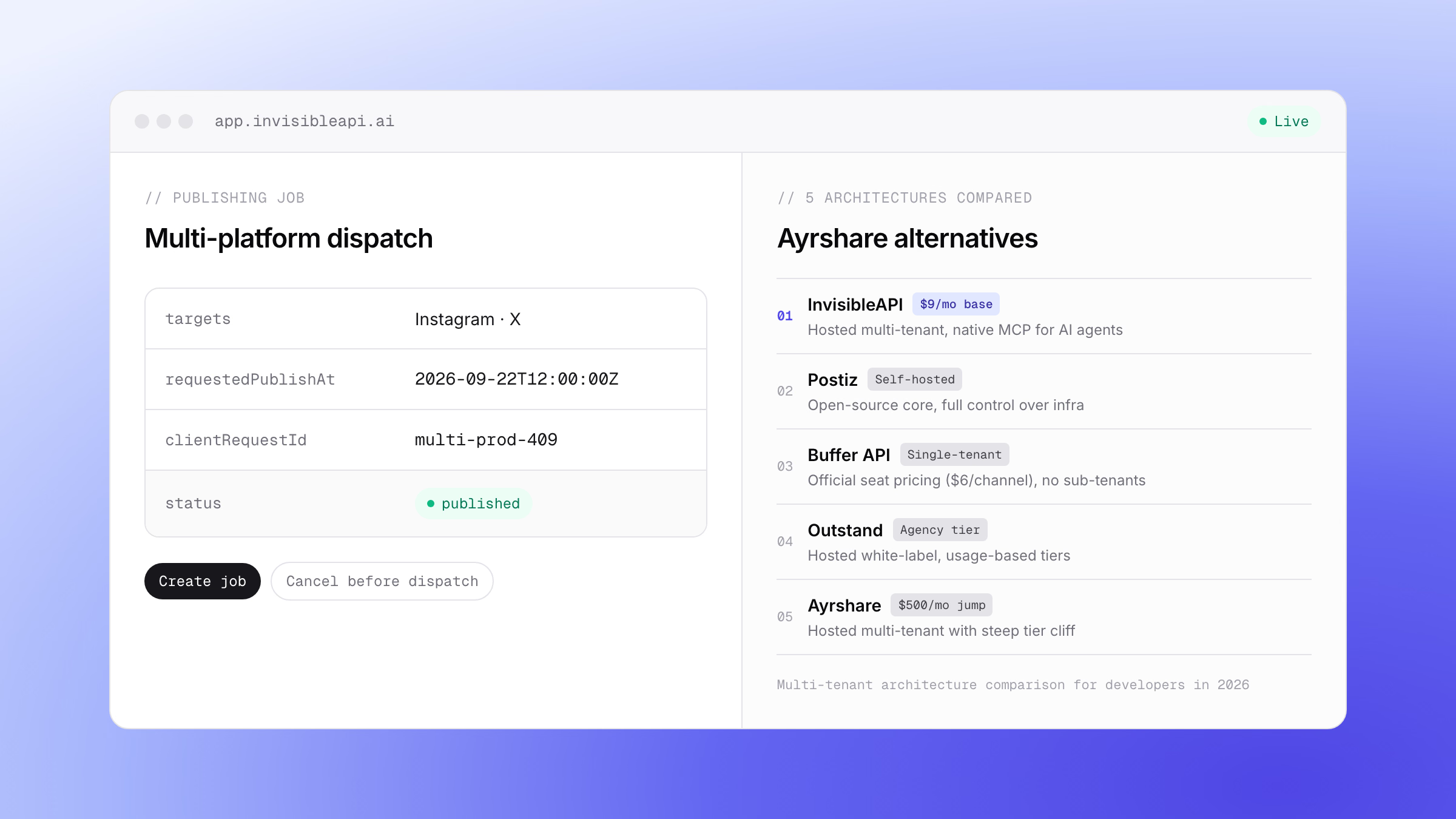
The same job model covers Instagram, and the Instagram API pricing guide walks the cost side of that platform. If you want the scheduled version with an approval step, the X posts calendar template is the build recipe. For developers comparing multi-platform social APIs and pricing cliffs, see our Ayrshare alternatives comparison.
Which route fits
| You need | The fit |
|---|---|
| Reads, search, DMs, or follower data | The X API directly. Only X sells those. Budget with the read prices and the 3 million post-read cap. |
| Posting to X, and Instagram, from a product, an agent, or an internal tool | A unified publishing API: one job model, preflight validation, scheduling, idempotent creates. |
| A for-good public utility app | Apply to X for free scaled access. |
| An existing legacy Basic or Pro plan | Multiply your real monthly volume by the rate card first. 200 posts a month costs $3.00 to $40.00 on pay-per-use, well under $200. |
Publish to X from your product without running the X integration yourself
X API pricing in 2026 is a credit balance, a link surcharge, and a rate limit, plus the integration you maintain around them. If posting is all you need, start with the job flow in the quick start, connect an X account, and let the platform rules fail preflight instead of production. Every account starts with a 7-day free trial.
Post to X and Instagram from one API.
Connect the accounts once, create a publishing job, and poll it until it is published. Preflight validation catches a broken post before it reaches the platform, and a clientRequestId makes retries safe.
Sources
- X API pricing, official, fetched September 13, 2026
- X API changelog, official, entries of February 6 and April 16, 2026
- X API rate limits, official,
POST /2/tweets - GIGAZINE report of X’s February 6, 2026 announcement
- Elfsight guide to X API keys and tiers, for the legacy Free tier limit