The job is one sentence: publish to Instagram on a schedule, from your own code, without a human opening the app.
Almost everything written about how to automate Instagram posts answers a different question. It answers “which calendar should I pay for”. This is the other answer, the one for the person who has decided to build it, on Meta’s Graph API directly or on top of a unified publishing API. The build has three parts, and only one of them is the part the products demo. Every Meta fact below was read from Meta’s documentation on September 14, 2026, and the pages are linked at the end.
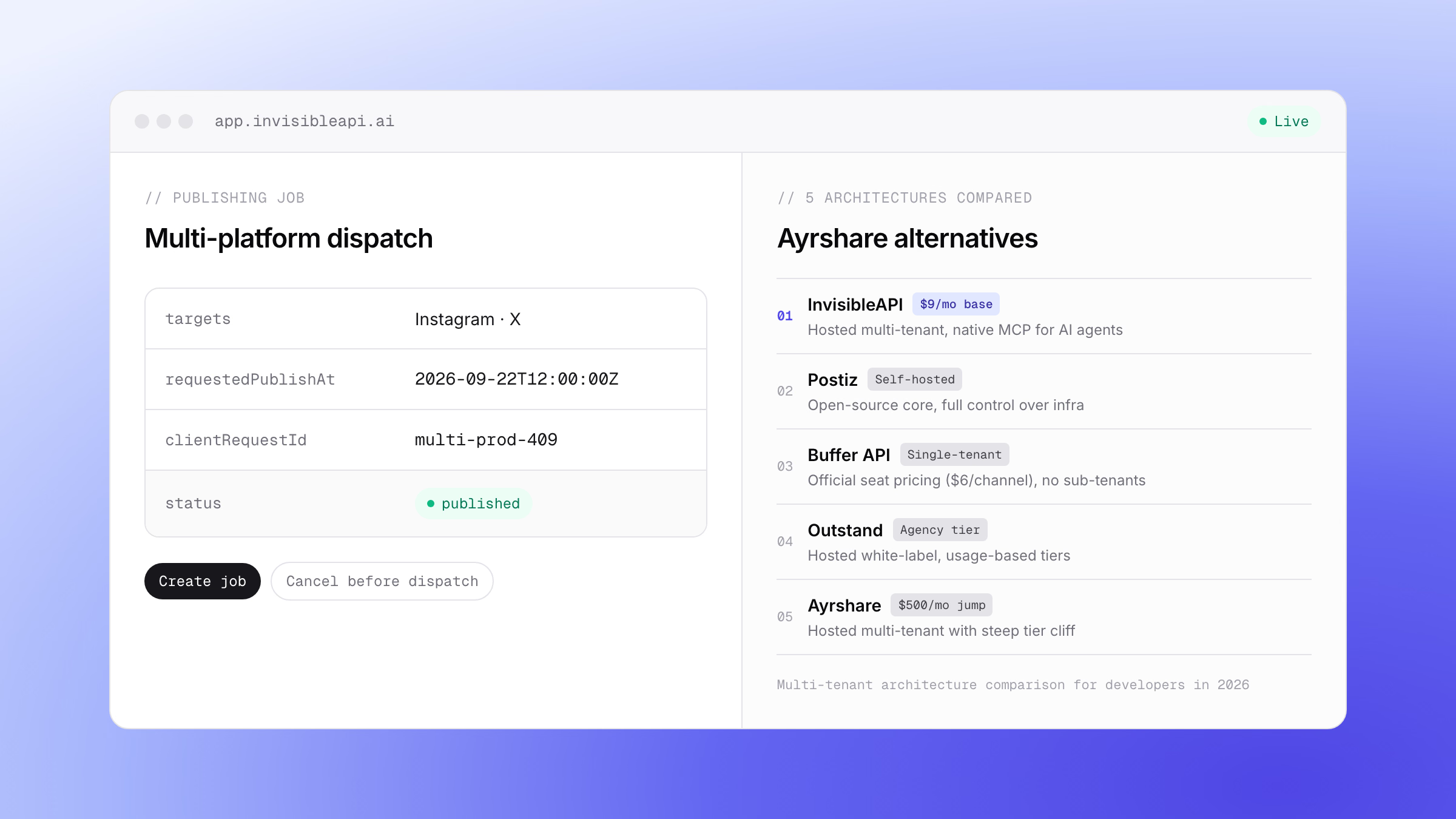
One API instead of the Graph API plumbing. InvisibleAPI is one job-based API for Instagram and X. Connect the account, create a publishing job, poll it until it reaches published.
Get API keyWhat automating Instagram posts actually means
Strip the tooling away and an automated publisher is three things.
| Part | What it holds | How hard it is |
|---|---|---|
| The queue | What to post, where, and when | Easy. It is a table. |
| The dispatcher | The loop that turns a due row into a published post | Easy to start, and the part that decides whether this survives a month |
| The failure policy | What happens when the post does not land | The whole job |
Instagram post automation gets sold as the first part because the first part is what demos well. A calendar with drag-and-drop is a queue with a human standing in it. Take the human out and nothing about the queue changes, but everything about the other two parts starts to matter, because there is now nobody watching to notice that Tuesday’s post never went out.
So the build below spends four lines on the queue and the rest on what happens after dispatch.
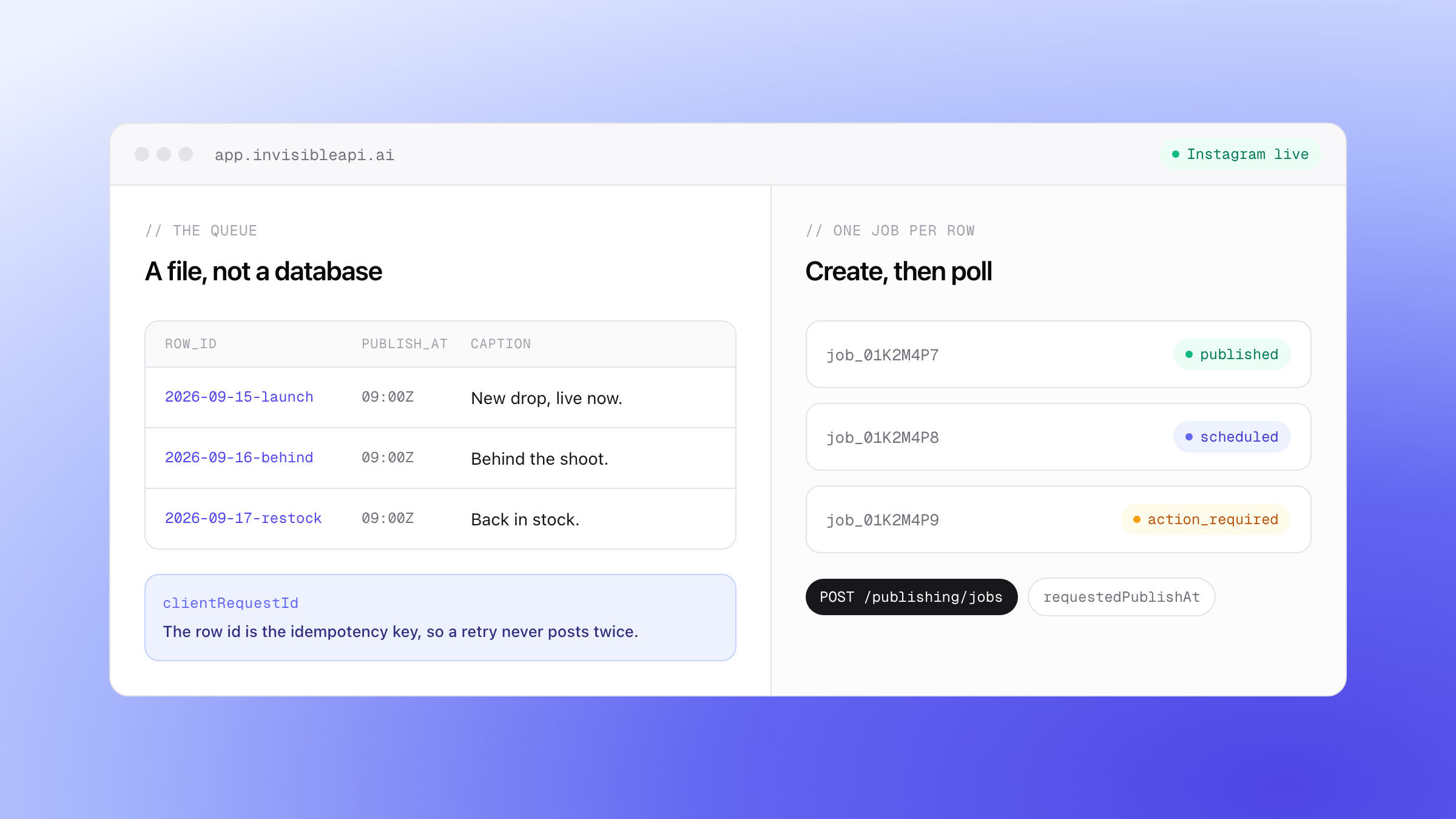
The queue is a file, not a database
Start with the smallest thing that works. A CSV, checked into the repo or sitting in object storage, with five columns:
row_id |
account |
media_url |
caption |
publish_at |
|---|---|---|---|---|
2026-09-15-launch |
@yourbrand |
https://cdn.example.com/launch.jpg |
New drop, live now. | 2026-09-15T09:00:00Z |
2026-09-16-behind |
@yourbrand |
https://cdn.example.com/studio.jpg |
Behind the shoot. | 2026-09-16T09:00:00Z |
Two things about this table are load bearing.
The media is a URL, not a file. There is no upload step in this build, because media is supplied as a publicly reachable URL. A private bucket link is the single most common reason a first automated post fails, and no amount of retrying makes a private object public.
row_id is not decoration. It becomes the idempotency key on the create call, which is what stops a crashed cron job from posting twice on the next run. Pick something stable and human-readable now and the retry section later costs you nothing.
If you would rather start from a recipe than from scratch, an approved Instagram publishing calendar is the same shape with a review step in front of it.
One row, one publishing job
Setup is two steps: connect an Instagram professional account, then create an organization API key with the publishing:read and publishing:publish scopes. The quick start walks both.
Then one row becomes one publishing job:
curl -X POST "https://api.invisibleapi.ai/api/v1/organizations/$ORGANIZATION/publishing/jobs" \
  -H "Authorization: Bearer $INVISIBLE_API_KEY" \
  -H "Content-Type: application/json" \
  -d '{
    "targets": ["acct_ig_01"],
    "caption": "New drop, live now.",
    "mediaItems": [{ "mediaType": "image", "sourceUrl": "https://cdn.example.com/launch.jpg" }],
    "requestedPublishAt": "2026-09-15T09:00:00Z",
    "clientRequestId": "2026-09-15-launch"
  }'
The response is a job, not a post:
{
  "id": "job_01K2M4P7",
  "status": "scheduled",
  "clientRequestId": "2026-09-15-launch",
  "requestedPublishAt": "2026-09-15T09:00:00Z"
}
This is the part most automation tutorials get wrong. Publishing is asynchronous. You create a job, the platform’s multi-step publish sequence runs behind it, and you poll until the status reaches published. A tutorial that shows a create call returning a live post URL is describing something that does not happen, and a dispatcher written against that assumption reports success for posts that later failed.
About the field names. The request shape is confirmed against the API reference: targets, mediaItems with its mediaType and sourceUrl, caption, requestedPublishAt and clientRequestId, and the create call returning 202. What is still unconfirmed is the job response: the deliveries array name and the failureCategory field. Check those in the API reference before you ship code that reads them.
Instagram’s API has no scheduler, so you build one
Here is the fact the calendar products are built on, stated by Meta: the Instagram content publishing API “does not natively support scheduling”. That single sentence is why a market of Instagram schedulers exists.
Scheduling is therefore something a publishing layer owns, and it is either your cron job holding rows until they are due or a requestedPublishAt field carrying that responsibility for you. In the build above it is the latter, which means the dispatcher can push the whole week on Monday and stop thinking about it. A job that has not dispatched yet can still be canceled.
Either way, know the states your loop is reading. A job moves through pending, scheduled, processing, preparing, submitted and polling, and then reaches one of published, partial_failure, failed, action_required, or canceled. Five terminal states, not one, and the difference between three of them is the entire subject of the failure policy.
Check the limits before you dispatch
A dispatcher that finds out about a quota by hitting it has already lost the posts it was holding. There are two ceilings, and they are not the same ceiling.
Meta’s. The content publishing documentation states 100 API-published posts within a 24-hour moving period, and a carousel counts as one post. The older figure of 25 posts per day still circulates widely in third-party writing and is not what the documentation says today, so budget against 100 and verify the number yourself before you build around it.
Yours. Publishing through InvisibleAPI, each connected account can publish 100 posts per billing period, and a limits endpoint reports live usage so the dispatcher can read the remaining allowance before it starts a batch.
The useful behaviour is not to stop on a full queue. It is to publish what fits and reschedule the rest past the reset, which turns a batch of failures into a batch that lands a day later. A publishing-limits guardrail is that logic as a build recipe, and what Instagram publishing costs covers the wider question of what the volume is counted against.
What goes wrong, and what the code does about it
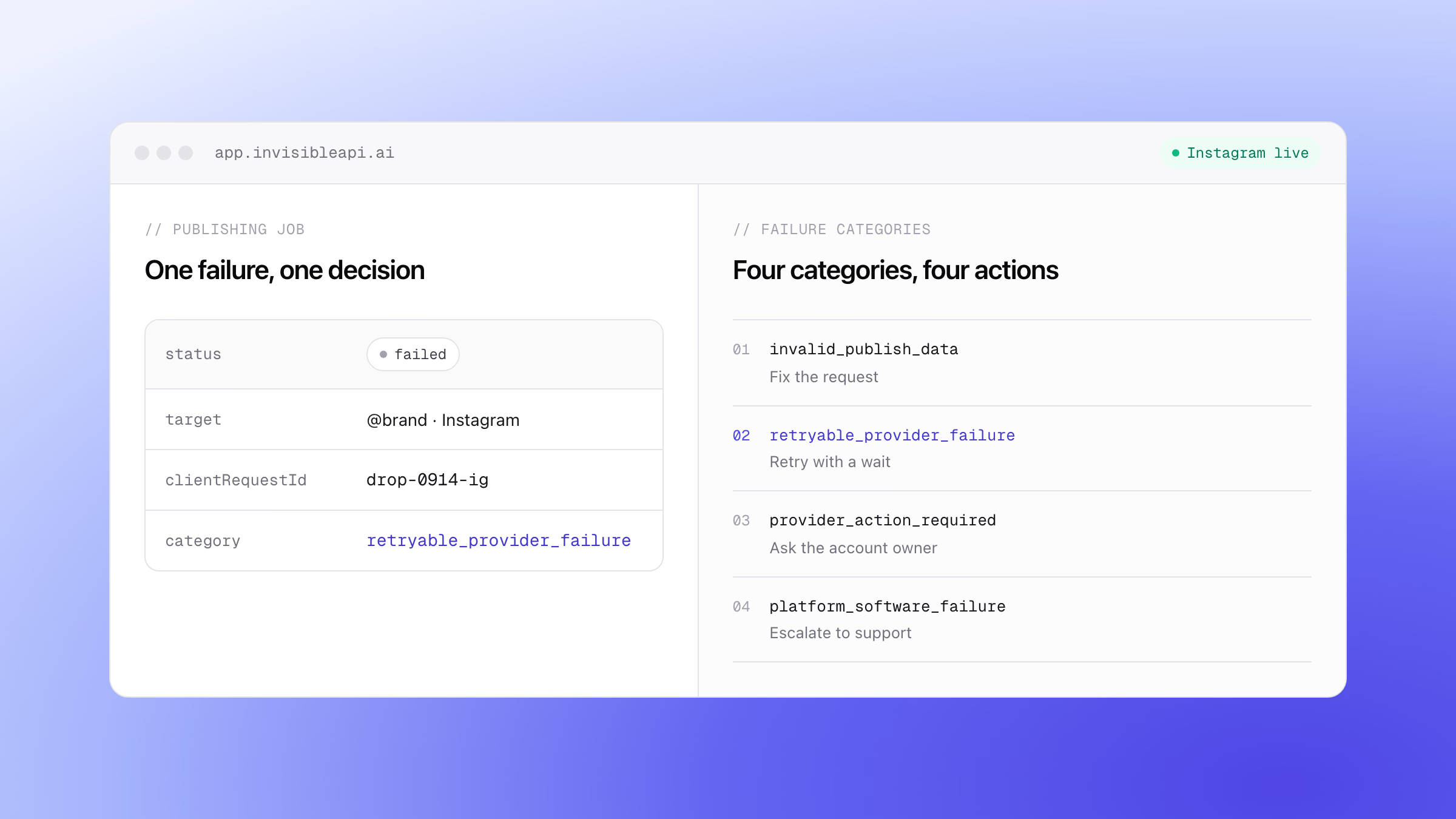
Every failure your dispatcher sees resolves to one of four decisions, and every one of them has a different owner.
invalid_publish_data is your bug. The caption was too long, the aspect ratio was out of range, the carousel had too many items. The same payload will fail the same way forever, so a retry is wasted quota. Fix the row and create a new job.
retryable_provider_failure is the platform having a moment. Media still processing, a container that expired, a server error. It is retried automatically, and your loop’s job is to keep waiting rather than to escalate.
provider_action_required is a person’s problem, usually an expired credential grant. No retry loop can log somebody back in. Surface it and stop.
platform_software_failure is ours. It routes to technical support, and your dispatcher does nothing except not retry it.
That is why the switch below keys on the category rather than on a provider error code. Codes get added and reclassified; a four-value classification does not.
const TERMINAL = ["published", "partial_failure", "failed", "action_required", "canceled"];

const NOTIFY = {
  invalid_publish_data: "developer",
  retryable_provider_failure: null,
  provider_action_required: "account_owner",
  platform_software_failure: "support",
} as const;

export async function dispatch(row: QueueRow) {
  const job = await createJob(row);           // clientRequestId = row.row_id
  const final = await pollUntil(job.id, (j) => TERMINAL.includes(j.status));

  if (final.status === "published") return { row: row.row_id, ok: true };

  return final.deliveries.map((d) => ({
    target: d.target,
    retry: d.failureCategory === "retryable_provider_failure",
    notify: NOTIFY[d.failureCategory],
  }));
}
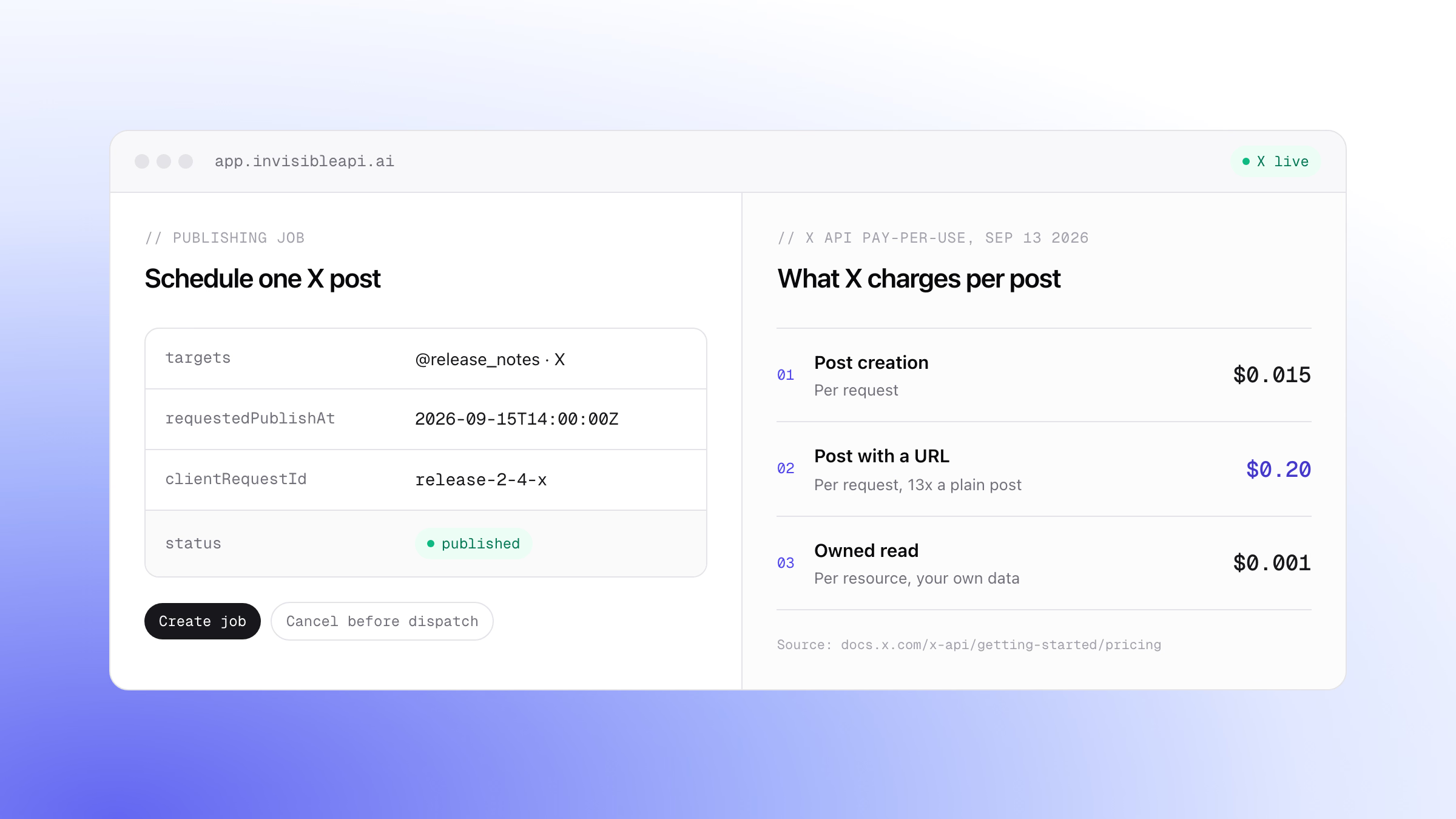
Notice that the return value is per delivery, not per job. One job can target several connected accounts at once, and the same content can succeed on one and fail on another. A 500-character caption publishes to Instagram and fails X’s 280-character rule inside the same job, which is exactly what partial_failure exists to describe. (If X is on your list, what posting to X costs covers its own rate card.) Read the deliveries and the report says which account published and which did not. Read only the job status and you get a red dot.
That fan-out is the agency-shaped version of this build, covered by publishing one post to several connected accounts, and the sweep-the-failures half is the failed post recovery recipe.

What a retry must never do
Here is the scenario that quietly breaks unattended publishers. Your dispatcher sends the create call. The connection times out. You have no response, and no way to tell a request that failed from a request that succeeded and lost its answer on the way back.
Retry it and you might double-post. Skip it and you might silently drop the post. A cron job that runs every five minutes will meet this case, and it will meet it at 3am.
An idempotency key removes the choice. The clientRequestId on the create call is that key, and a retried request carrying the same value does not publish twice. Which is why the rule is narrow and absolute: a retry reuses the original key. It never mints a new one. Generating a fresh id inside the retry branch is the most common way a correct-looking script produces duplicate posts, because it turns the safety mechanism off exactly when it was needed.
That is also why row_id came from the queue file rather than from the dispatcher. The key belongs to the row, not to the attempt.
The automation that gets Instagram accounts restricted
Search for Instagram automation and a lot of what comes back is a different product category: tools that auto-DM new followers, auto-like hashtags, auto-follow and unfollow, and libraries that reach Instagram by signing in with a username and password rather than through the documented API. It is worth being precise about why that route is a different risk, because the distinction is published rather than a matter of opinion.
Meta’s Platform Terms, section 6.a.iii, state that an app “must not separately request or collect a Meta user’s login credentials for any Meta Products”. A library that logs in as the user does that by design: it is the mechanism, not an edge case. Section 2.a is broader, and says that except as expressly licensed, “you will not use, access, integrate with, modify, translate, create derivative works of, reverse engineer, or otherwise exploit Platform or any aspect thereof”. An undocumented endpoint reached by reverse engineering the mobile app is not expressly licensed.
The engagement automation sits under the Developer Policies. Section 2 prohibits participating in “any program that promotes or facilitates the purchase, sale, or exchange of ‘Likes’, ‘Shares’, ‘Followers’, ‘Comments’”, and section 5 describes “creating bots either manually or automatically, at very high frequencies” as spam.
Enforcement is not theoretical either. Meta’s own Instagram error reference carries codes for a restricted account and for activity restricted because publishing was suspected as spam. Those exist because accounts reach that state.
None of this applies to the build in this article. The Content Publishing API is the documented route, the account authorizes it through Instagram’s own OAuth flow, no password ever reaches your code, and the rate limit is a published number you can check before you dispatch. That is the honest reason to take the official route, and it holds up better than any feature comparison.
Ship the loop, not another calendar
Your queue, your schedule, your code, and a publishing job per row that tells you exactly what happened to each one.
Connect an Instagram professional account, create a scoped key, and put the first row through. Every account starts with a 7-day free trial, and how volume-based pricing works explains what the usage is counted against.
Post to X and Instagram from one API.
Connect the accounts once, create a publishing job, and poll it until it is published. Preflight validation catches a broken post before it reaches the platform, and a clientRequestId makes retries safe.
Sources
All three pages were fetched on September 14, 2026.
- Instagram content publishing guide, for the 100 posts per 24-hour moving period limit, carousels counting as one, and the absence of native scheduling
- Meta Platform Terms, for sections 2.a and 6.a.iii
- Meta Developer Policies, for sections 2 and 5